
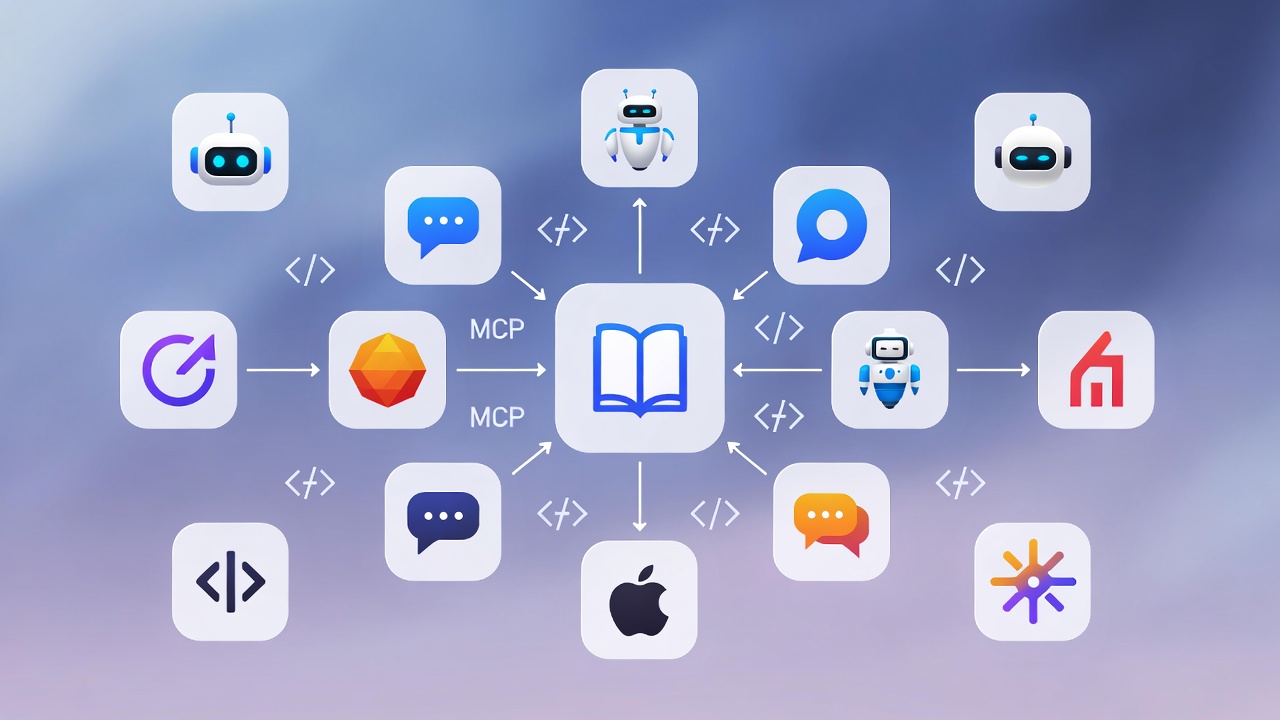
Cupertino v0.9: Multi-Agent Support and MCP Protocol Upgrade
TL;DR: Cupertino now has setup guides for 8 different AI tools. MCP protocol upgraded to 2025-06-18. Comprehensive documentation for all binaries. No more Node.js in the codebase.
This release focuses on reach. More AI tools can use Cupertino. Better documentation. Cleaner internals.
Release Summary
Since v0.8.0, Cupertino has had 5 releases:
| Version | Date | Highlights |
| 0.8.1 | 2025-12-28 | Installer color fix |
| 0.8.2 | 2025-12-31 | Download progress animation |
| 0.8.3 | 2025-12-31 | Swift-only tests, no Node.js |
| 0.9.0 | 2025-12-31 | MCP protocol 2025-06-18 |
| 0.9.1 | 2026-01-25 | Multi-agent docs, binary docs |
Multi-Agent Support (v0.9.1)
The most requested feature: “How do I use Cupertino with X?”
Cupertino started as a Claude tool. But MCP is an open protocol. Any AI assistant that speaks MCP can use it.
v0.9.1 adds setup guides for 8 AI tools:
| Tool | Config Location |
| Claude Desktop | ~/Library/Application Support/Claude/claude_desktop_config.json |
| Claude Code | claude mcp add cupertino |
| OpenAI Codex | codex mcp add cupertino or ~/.codex/config.toml |
| Cursor | .cursor/mcp.json |
| VS Code (Copilot) | .vscode/mcp.json |
| Zed | settings.json |
| Windsurf | ~/.codeium/windsurf/mcp_config.json |
| opencode | opencode.jsonc |
Quick Setup
For most tools, configuration is a JSON object:
{
  "mcpServers": {
    "cupertino": {
      "command": "/opt/homebrew/bin/cupertino",
      "args": ["serve"]
    }
  }
}
The exact structure varies by tool. Full examples are in the serve command documentation.
Dynamic Path Detection
If you’re not sure where cupertino is installed:
claude mcp add cupertino -- $(which cupertino)
codex mcp add cupertino -- $(which cupertino) serve
The $(which cupertino) expands to the actual binary path. Works for Homebrew installs on both Apple Silicon (/opt/homebrew/bin) and Intel (/usr/local/bin).
MCP Protocol Upgrade (v0.9.0)
v0.9.0 upgrades the MCP protocol from 2024-11-05 to 2025-06-18.
This matters because newer AI tools expect the newer protocol. Without this upgrade, Cupertino would fail to initialize with clients that only support 2025-06-18.
The upgrade includes backward compatibility:
// Server negotiates with client
public let MCPProtocolVersion = "2025-06-18"
public let MCPProtocolVersionsSupported = ["2025-06-18", "2024-11-05"]

// During initialization, find common version
let negotiatedVersion = clientVersions
    .first { MCPProtocolVersionsSupported.contains($0) }
If a client requests 2024-11-05, Cupertino still works. If it requests 2025-06-18, that works too. The MCPClient and MockAIAgent also support version fallback when connecting to servers.
Thanks to @erikmackinnon for the contribution (#130).
Binary Documentation (v0.9.1)
Cupertino ships 4 executables. Until now, only cupertino had proper documentation.
v0.9.1 adds 48 documentation files covering all binaries:
cupertino
The main CLI with 12 commands. Already documented, but now with updated MCP client configuration examples.
cupertino-tui
The terminal UI for browsing and selecting packages:
cupertino-tui
cupertino-tui --version
5 views documented:
- Dashboard - Overview and quick actions
- Packages - Browse and select Swift packages
- Archive - Apple Archive documentation selection
- Videos - WWDC video selection
- Settings - Configuration options
mock-ai-agent
A testing tool that simulates MCP client behavior:
mock-ai-agent search "SwiftUI navigation"
mock-ai-agent list-tools
mock-ai-agent --server /path/to/cupertino
mock-ai-agent --version  # New in v0.9.1
Arguments documented:
<query>- Search query to execute--server- Path to MCP server binary
Useful for testing MCP servers without a full AI client.
cupertino-rel
The release automation tool (maintainer-only):
cupertino-rel bump patch          # Bump version
cupertino-rel tag --version 0.9.1 --push  # Create and push tag
cupertino-rel homebrew --version 0.9.1    # Update Homebrew formula
cupertino-rel databases --version 0.9.1   # Upload database release
cupertino-rel docs-update patch   # Documentation-only release
cupertino-rel full 0.10.0         # Complete release workflow
6 subcommands with all options documented:
bump- Update version in all filestag- Create and push git tagshomebrew- Update Homebrew formuladatabases- Upload databases to cupertino-docsdocs-update- Documentation-only releasesfull- Complete release workflow
Documentation Structure
The documentation follows the same granular folder structure as the main CLI:
docs/binaries/
├── README.md
├── cupertino-tui/
│   ├── README.md
│   ├── option (--)/
│   │   └── version.md
│   └── view/
│       ├── dashboard.md
│       ├── packages.md
│       ├── archive.md
│       ├── videos.md
│       └── settings.md
├── mock-ai-agent/
│   ├── README.md
│   ├── option (--)/
│   │   ├── server.md
│   │   └── version.md
│   └── argument (<>)/
│       └── query.md
└── cupertino-rel/
    ├── README.md
    ├── option (--)/
    │   └── version.md
    └── subcommand/
        ├── bump/
        ├── tag/
        ├── homebrew/
        ├── databases/
        ├── docs-update/
        └── full/
No More Node.js (v0.8.3)
v0.8.3 removed the last Node.js dependency from the codebase.
The MCP integration tests previously used npm packages to simulate client behavior. Now they use cupertino serve directly:
@Test("Initialize handshake with cupertino server")
func cupertinoServerInitialize() async throws {
    let process = Process()
    process.executableURL = URL(fileURLWithPath: ".build/debug/cupertino")
    process.arguments = ["serve"]

    let stdinPipe = Pipe()
    let stdoutPipe = Pipe()
    process.standardInput = stdinPipe
    process.standardOutput = stdoutPipe

    try process.run()

    // Send initialize request (compact JSON + newline)
    let initRequest = """
    {"jsonrpc":"2.0","id":1,"method":"initialize","params":{...}}\n
    """
    stdinPipe.fileHandleForWriting.write(Data(initRequest.utf8))

    // Parse and verify response
    let response = try JSONDecoder().decode(JSONRPCResponse.self, from: responseData)
    #expect(response.serverInfo.name == "cupertino")
}
The tests verify:
- MCP initialize handshake
tools/listresponses- Protocol version negotiation
- Server info and tool registration
Swift-only tests. No npm. No node_modules. No package-lock.json.
This is now policy in AGENTS.md: no Node.js or npm in the Cupertino codebase.
Setup Progress Animation (v0.8.2)
Database downloads are ~400MB. Previously, cupertino setup showed nothing while downloading.
Now you get real-time feedback:
Download progress with bar:
⠹ [████████████░░░░░░░░░░░░░░░░░░] 42% (168MB/400MB)
Extraction spinner:
⠧ Extracting databases...
Implementation details:
DownloadProgressDelegateimplementsURLSessionDownloadDelegatefor real-time progressExtractionSpinnershows animated feedback during unzip- Extended download timeout to 10 minutes for large database files
- Uses ANSI escape codes for in-place updates
Small things that make the tool feel responsive.
Installer ANSI Fix (v0.8.1)
The one-line installer had broken ANSI colors:
Before:
\033[32m✓ Installation complete\033[0m
After:
✓ Installation complete (in green)
Two echo statements were missing the -e flag for escape sequence interpretation. Fixed in #124.
Database Compatibility
This release uses the same database schema as v0.8.2. No migration needed.
When you run cupertino setup, it downloads databases from the v0.8.2 release. The CLI version (0.9.1) and database version (0.8.2) are now decoupled.
| Version Type | Current | Purpose |
| CLI version | 0.9.1 | Binary release |
| Database version | 0.8.2 | Pre-built database release |
| Schema version | 9 | SQLite schema |
This means:
- CLI updates don’t require database re-downloads
- Database updates don’t require CLI updates
- Schema changes are tracked separately
Install or Update
# New install
brew install mihaelamj/tap/cupertino

# Update existing
brew update && brew upgrade cupertino

# Or one-line install
bash <(curl -sSL https://raw.githubusercontent.com/mihaelamj/cupertino/main/install.sh)
Then:
cupertino setup  # Download databases (~30 seconds)
cupertino serve  # Start MCP server
Configure your AI tool using the guides above, and you’re ready.
Issues Closed
- #124 - Installer ANSI escape sequences
- #96 - Setup progress animation
- #131 - Remove Node.js dependency from MCP integration tests
- #130 - MCP protocol mismatch (2025-06-18 support)
- #134 - Better documentation for use with different agents
- #137 - Documentation improvements: MCP client configs and binary documentation