I’m Mihaela Mihaljević. Senior iOS architect, on Apple platforms since 2013. I build AI-powered developer tools for the Apple ecosystem.
Currently shipping Cupertino 1.7.2, an open-source MCP server that gives AI assistants offline access to Apple’s developer documentation: 391,757 pages. Featured in iOS Dev Weekly.
Also shipping TileDown, the Swift static site generator this site is built with, and three apps for people who work on Apple platforms: OneGraph and XRay Viewer, both in public beta for the Mac, and SlayerTree, coming soon.
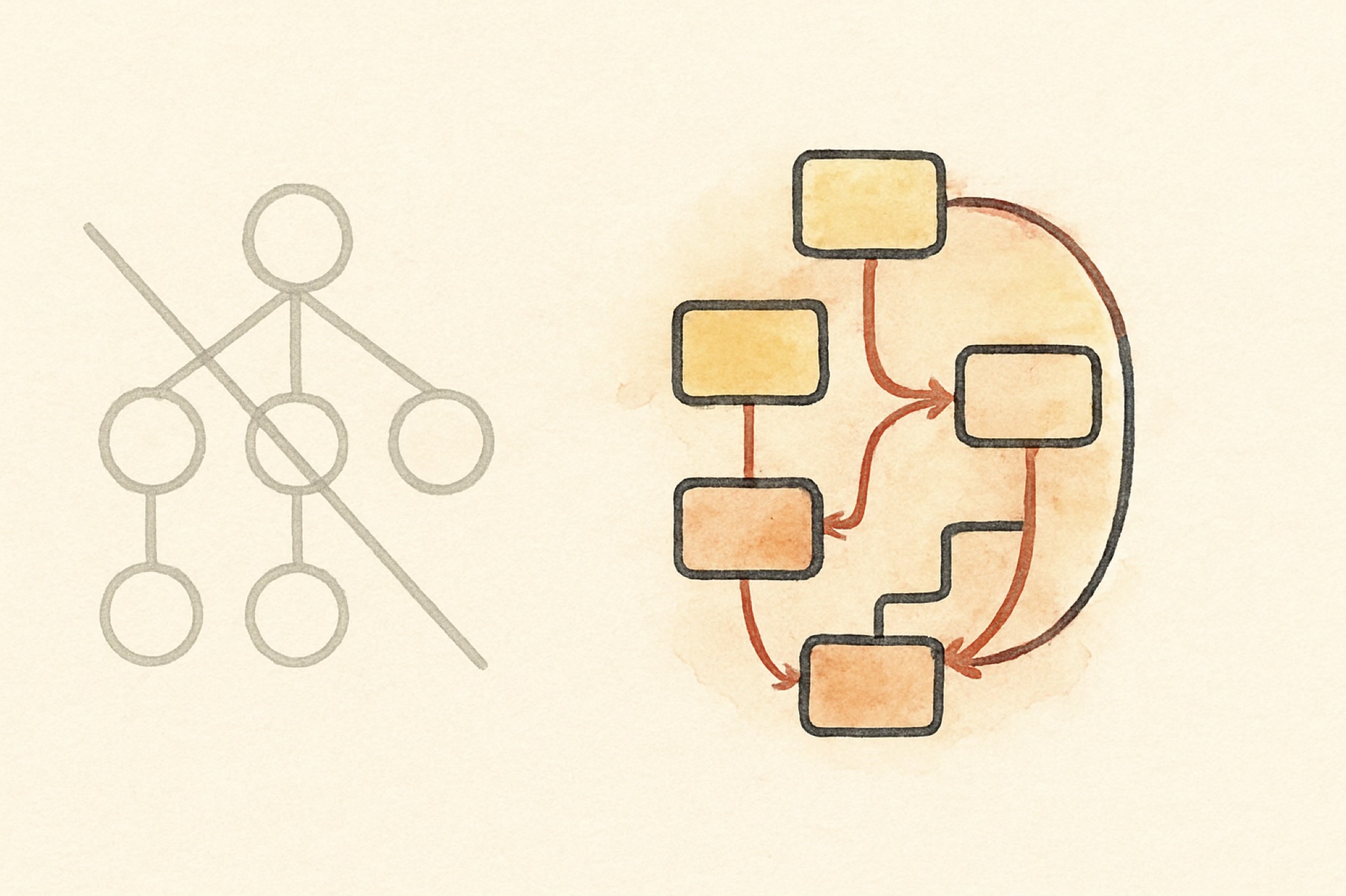
SwiftUI is the thin graph sitting above 40+ years of engineering. Measured against the real framework and read against Apple's own patent, it is a single demand-driven graph, and the least remarkable engine in the stack it rests on. Here is SwiftUI laid bare, with a hint of the far more interesting machines underneath.
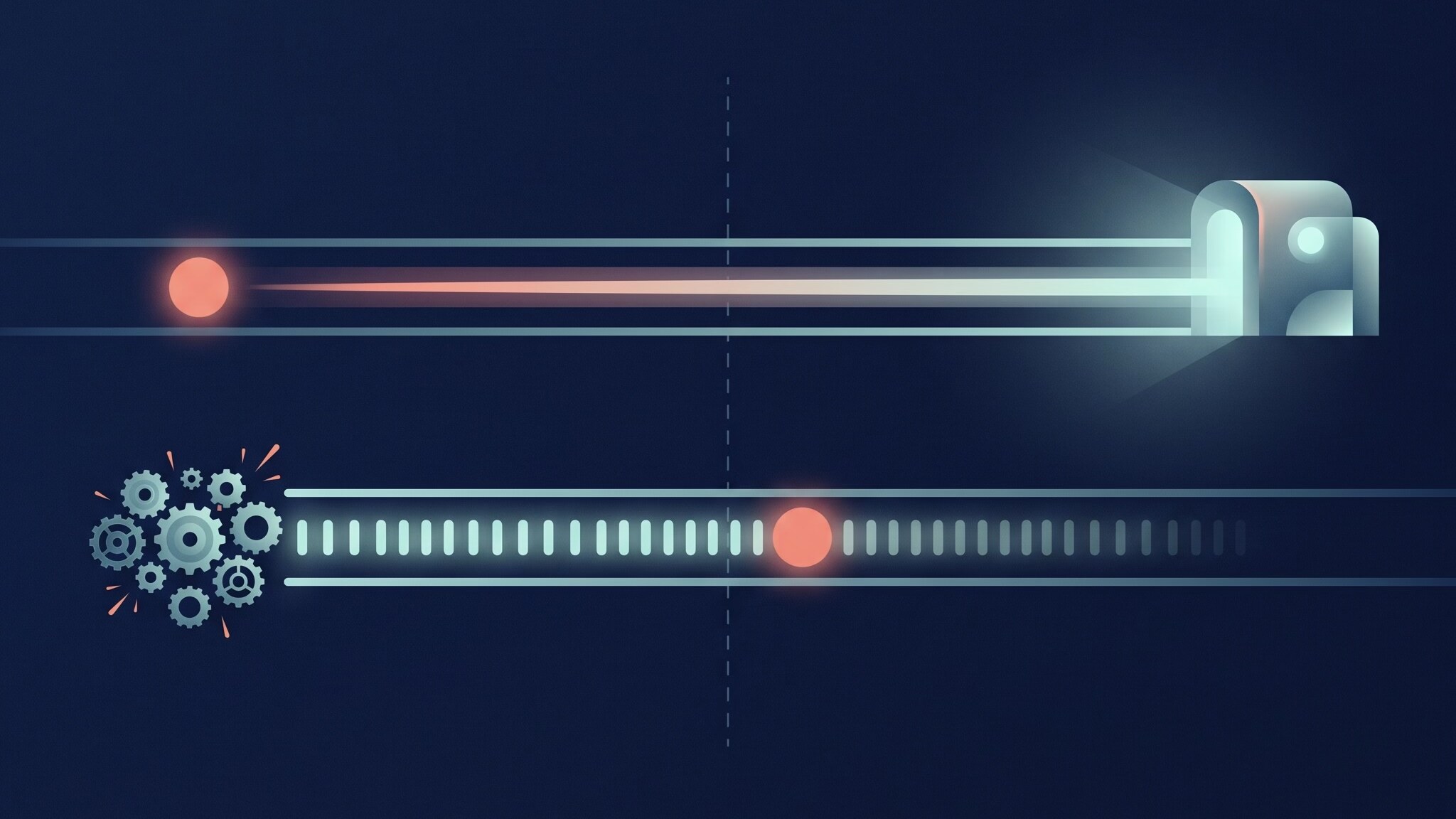
UIKit and AppKit hand the render server a description of a motion and walk away. SwiftUI does not, and it does not behave the same on a Mac as on an iPhone. I measured both on a Mac, two simulators, a real iPhone and a real iPad.
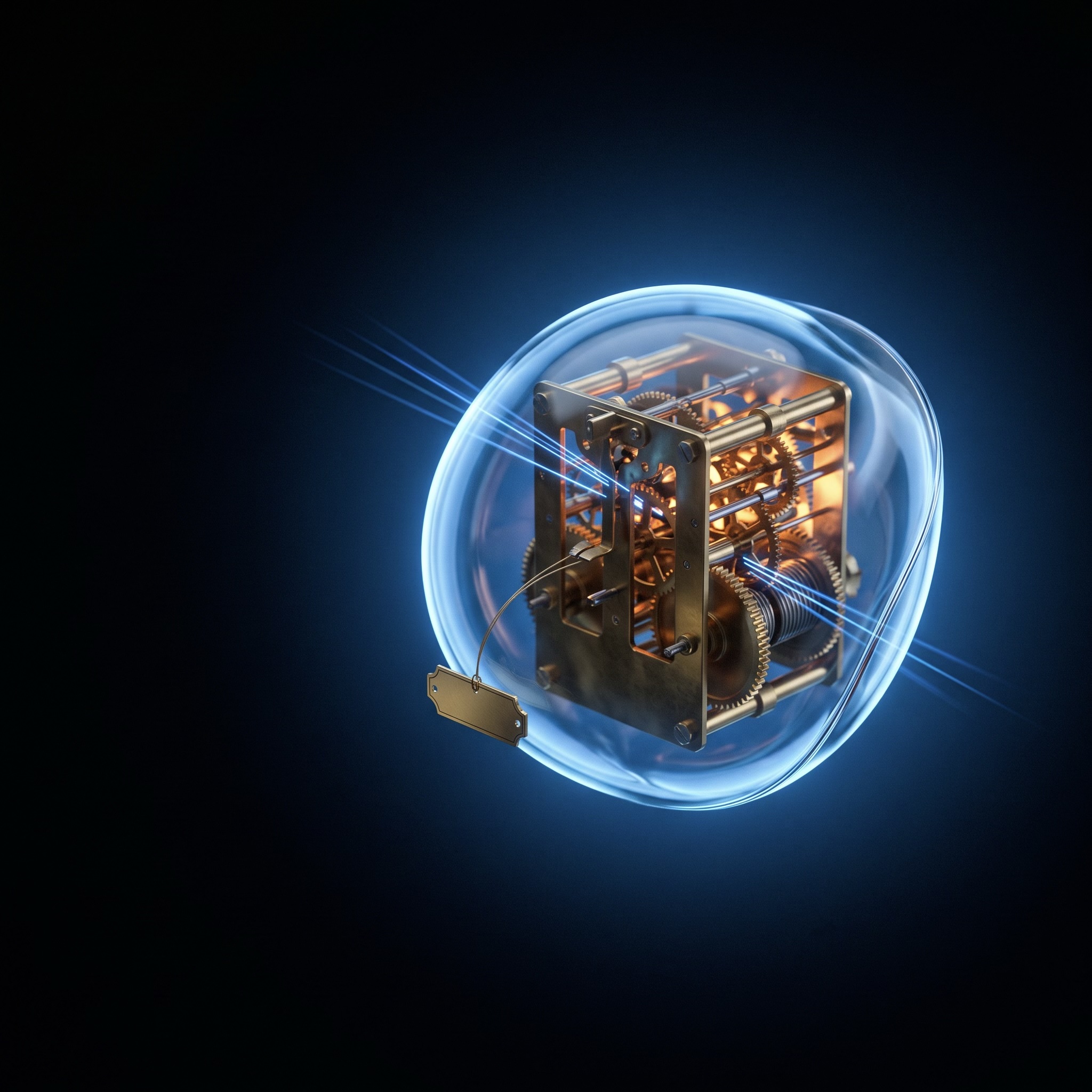
A SwiftUI List looks like a SwiftUI thing. I looked underneath, on the Mac, an iPhone and an iPad, and what is running is a table view or a collection view from the platform, with SwiftUI's own cells and diffing on top. Here is what is there, what SwiftUI does with it, and what it costs.
A SwiftUI List looks like a SwiftUI thing. I looked underneath, on the Mac, an iPhone and an iPad, and what is running is a table view or a collection view from the platform, with SwiftUI's own cells and diffing on top. Here is what is there, what SwiftUI does with it, and what it costs.
Two releases in two days, platform and UI toolkit filters, 193 tutorial pages, searches that no longer write to your databases, and the first half of moving every read onto one shared engine
Paste a SwiftUI view into OneGraph and see which parts of its graph ran again and why. Open XRay Viewer on any running AppKit, UIKit or SwiftUI app and see its real layers. Both are free betas for the Mac, and here is what works and what does not yet