
Cupertino v0.8.0: AST Indexing and a Major Architecture Refactor
TL;DR: SwiftSyntax-based AST indexing. Major codebase refactoring. Cleaner search results. Test suite grew from 93 to 698 tests.
This release is about foundations. Less visible features, more architectural work that makes everything else possible.
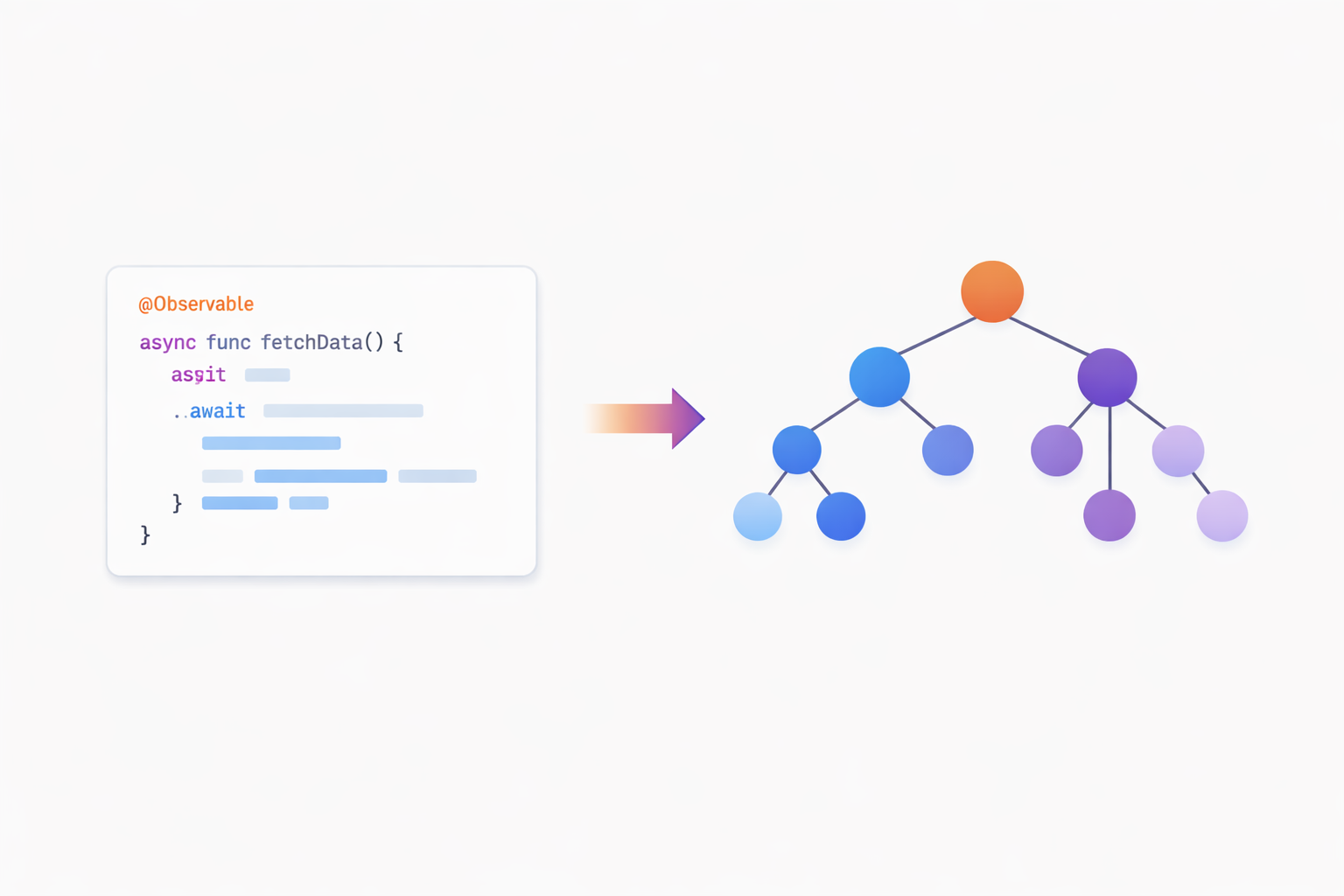
The Big Feature: AST Indexing
This is issue #81, and it’s been brewing for a while. Sample code search was purely keyword-based - you search “async”, you get files containing “async”. Comments, strings, documentation, actual code - all treated equally.
Now Cupertino extracts structured symbol data from Swift source:
// SwiftSourceExtractor analyzes this:
@MainActor
class NetworkManager: ObservableObject {
    @Published var isLoading = false

    func fetch() async throws -> Data { ... }
}
And extracts:
| Symbol | Kind | Attributes |
NetworkManager | class | @MainActor |
isLoading | property | @Published |
fetch() | function | async, throws |
What This Enables
Better ranking, not magic. When you search “@Observable”, plain text search finds every file mentioning “Observable” - comments, strings, documentation, actual declarations. All ranked equally.
With AST indexing, Cupertino knows which results contain actual @Observable class declarations. These get boosted in ranking. The real symbol usages surface first.
$ cupertino search "@Observable" --source samples --format markdown
## Projects (5 found)

### 1. Migrating from the Observable Object protocol to the Observable macro
- **Frameworks:** swiftui
- **Files:** 14

## Matching Files

### Library.swift
> @Observable final class Library {
>     var books: [Book] = [Book(), Book(), Book()]
> }

### Book.swift
> @Observable final class Book: Identifiable {
>     var title = "Sample Book Title"
>     let id = UUID()
> }
The search still matches text, but files with actual @Observable declarations rank higher than files that just mention the word in comments.
Dedicated semantic tools. The symbol tables power these MCP tools:
search_symbols- query by symbol type and attributessearch_property_wrappers- find@Published,@State,@Bindingusagesearch_conformances- find protocol implementationssearch_concurrency- find async/await patterns
These query extracted symbol data directly, not text. AI assistants can ask “find all async functions in SwiftUI samples” and get structured results.
How It Works
The new ASTIndexer package uses SwiftSyntax to parse Swift files and extract:
- Symbols: Classes, structs, enums, actors, protocols, functions
- Attributes:
@MainActor,@Published,@Observable, etc. - Conformances: Protocol adoptions
- Modifiers: async, throws, static, public
SwiftSyntax is Apple’s official Swift parser - the same one the compiler uses. No regex hacks, no fragile pattern matching.
The tradeoff? Build times. SwiftSyntax is a beast. First release build takes 10-15 minutes now. But the capability is worth it.
The Refactoring Story
This release involved substantial architectural changes that touch almost every part of the codebase. The goal: make search results cleaner and the system more capable.
Unified Search Service
Previously, each search source (docs, HIG, samples, videos) had its own formatting logic scattered across the codebase. Now there’s a unified SearchService that handles all sources consistently:
- Single entry point for all search types
- Consistent result formatting across sources
- Shared footer generation with tips and guidance
- Hierarchical numbering that works across all result types
Package Architecture Cleanup
The package structure got significant attention:
- Consolidated duplicate functionality across modules
- Clearer boundaries between
Services,Core, and domain packages - Better separation of CLI concerns from library logic
- Removed dead code paths and unused types
Result Formatter Protocol
A new ResultFormatter protocol standardizes how search results become output:
protocol ResultFormatter {
    associatedtype Input
    func format(_ result: Input) -> String
}
This enabled reusable formatters for different output contexts (CLI text, MCP markdown, JSON) while keeping the core search logic unchanged.
The refactoring wasn’t glamorous work, but it paid off immediately in cleaner search results and faster feature development.
Smarter Search Output
Here’s a subtle change that matters more than it sounds: hierarchical result numbering.
Before:
## Apple Documentation
### UIButton
### UIView
### UIControl

## Sample Code
### ButtonStyles
### CustomControls
After:
## 1. Apple Documentation (20)
### 1.1 UIButton
### 1.2 UIView
### 1.3 UIControl

## 2. Sample Code (5)
### 2.1 ButtonStyles
### 2.2 CustomControls
Why does this matter? When Claude is navigating search results, it can now reference specific items: “Looking at result 1.3…” or “Sample 2.1 shows this pattern…”
The count in headers (20, 5) also helps the AI understand result distribution. If one source has 50 results and another has 2, that’s useful context.
Small formatting changes, big impact on AI reasoning.
Display Bugs: Death by a Thousand Cuts
Sometimes bugs accumulate in strange ways. I noticed search results had weird formatting artifacts:
Tabbars|AppleDeveloperDocumentation###- trailing garbageTab bars- double spacesGoingfull screen- missing space in HIG titlesFramework# SwiftUI- inline markdown headers
Each individually minor. Together, they made results look unprofessional and confused AI parsing.
The fix was a string extension that cleans display text:
var cleanedForDisplay: String {
    var result = self

    // Remove trailing ###
    while result.hasSuffix("###") { ... }

    // Remove |AppleDeveloperDocumentation
    result = result.replacingOccurrences(of: "|AppleDeveloperDocumentation", with: "")

    // Fix "Goingfull" -> "Going full"
    result = result.addingSpacesToCamelCase

    // Collapse double spaces
    while result.contains("  ") { ... }

    return result
}
Now there are 34 unit tests just for string formatting. Because every edge case that slipped through was a papercut in every search result.
The Test Suite Story
| Metric | v0.7.0 | v0.8.0 |
| Tests | 93 | 698 |
| Suites | 7 | 73 |
| Duration | ~5 min | ~35 sec |
That’s not a typo. We went from 93 tests to 698.
Where did they come from?
- AST Indexer tests - SwiftSyntax extraction needs thorough testing
- String formatter tests - All those display edge cases
- Service layer tests - Unified search service coverage
- Symbol database tests - Integration tests for code analysis
The duration dropped despite 7x more tests because I fixed a race condition in the PriorityPackagesCatalog tests. The old code used defer { Task { await ... } } which created detached async tasks that didn’t complete before the next test ran. State leaked between tests, causing random failures.
The fix was embarrassingly simple: don’t use defer with async cleanup. Just await at the end of the test.
Doctor Command Gets Smarter
The cupertino doctor command now diagnoses package-related issues:
$ cupertino doctor

Cupertino v0.8.0 - Health Check

Databases:
  ✅ search.db (2.3GB, 302,424 docs)
  ✅ sample.db (156MB, 606 projects)

Package Status:
  ✅ User selections: ~/.cupertino/selected-packages.json (12 packages)
  ✅ Downloaded READMEs: 12/12
  ⚠️  Orphaned READMEs: 3 (packages no longer selected)

Priority Breakdown:
  📦 Apple Official: 31 packages
  📦 Ecosystem: 5 packages

MCP Tools: 8 registered
Resources: 3 providers active
The “orphaned READMEs” warning catches when you’ve unselected packages but their downloaded docs remain. Helpful for debugging unexpected search results.
What’s Next
The semantic tools (search_symbols, search_conformances, etc.) are built. Next steps:
- Index all sample code - Run AST extraction across all 606 projects to populate symbol tables
- Cross-referencing - Link extracted symbols to their documentation pages
- Symbol coverage - Expand extraction to catch more edge cases
The infrastructure is in place. Now to fill the database and refine the queries.
Install or Update
# New install
brew install mihaelamj/tap/cupertino

# Update existing
brew upgrade cupertino

# Or one-line install
bash <(curl -sSL https://raw.githubusercontent.com/mihaelamj/cupertino/main/install.sh)
Then:
cupertino setup  # Download databases (~30 seconds)
cupertino serve  # Start MCP server
Try the improved search:
# See hierarchical numbering
cupertino search "SwiftUI navigation" --source all

# Clean HIG results
cupertino search "tab bar" --source hig

# Check your installation health
cupertino doctor
Cupertino is an Apple Documentation MCP Server. 302,424 pages of Apple documentation, searchable by AI. Source at github.com/mihaelamj/cupertino.